Adding a Task
How to add a task
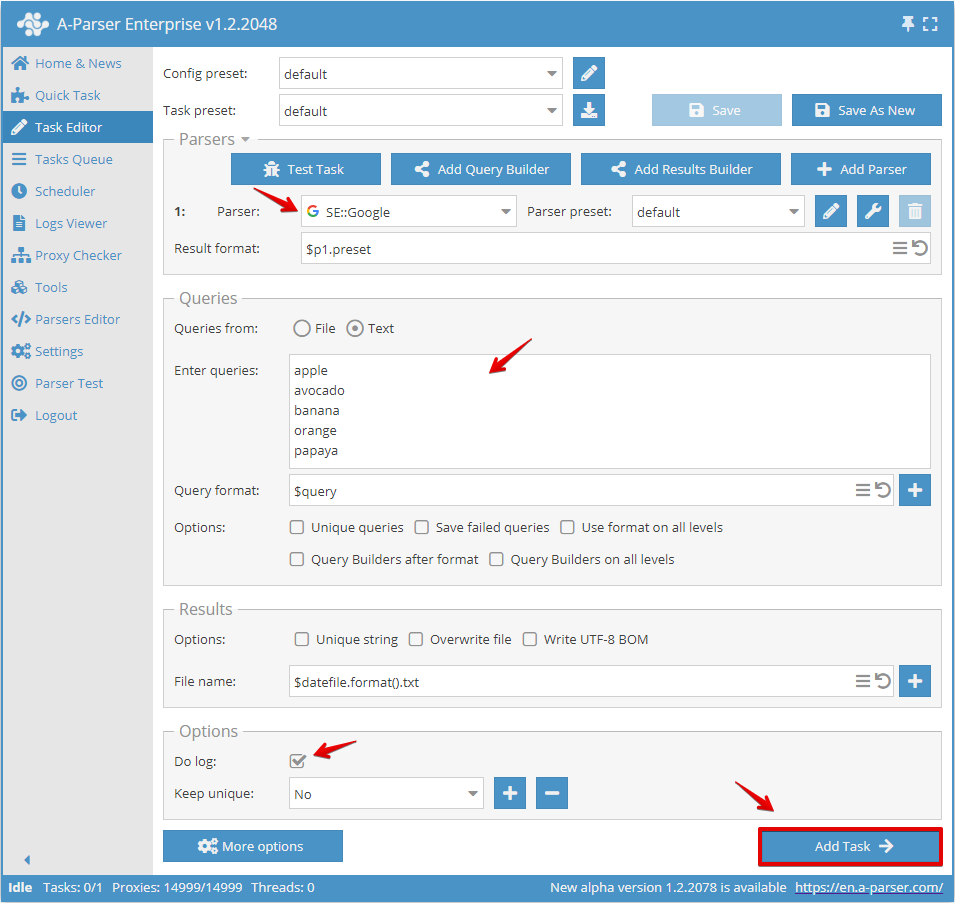
To add a task to the Tasks Queue and subsequently receive the result, you need to select a scraper (by default  SE::Google is selected) and specify a list of queries.
Queries can be entered as text in the corresponding field (in the format one line - one query) or selected from a file (unlimited quantity). It is also recommended to enable the Do log option to output scraping information.
Example of a minimal configuration:
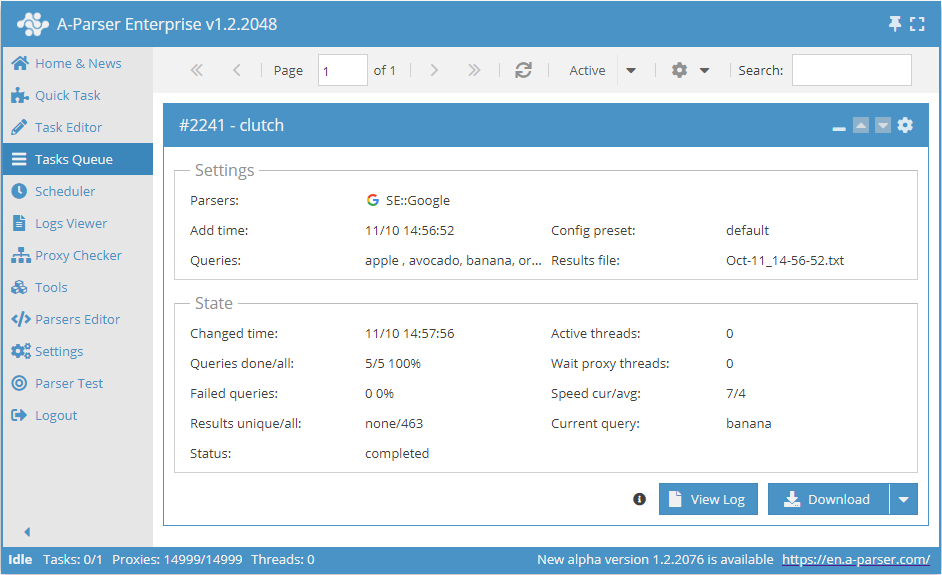
After adding a task, a task card will appear in the Task Queue, displaying basic information about the task. Physically, the results are located in the results folder. You can also download the results directly after the task is finished (provided that the filename is not dynamic and output is to a single file).
Overriding settings
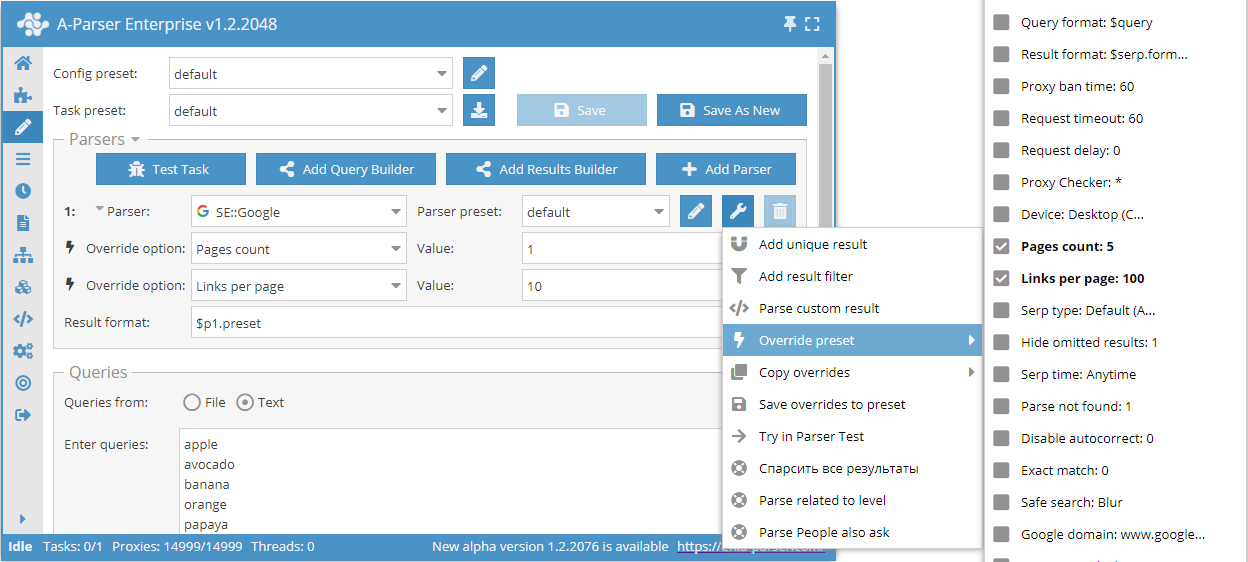
Override preset - a quick override of scraper settings; this option can be added directly in the Task Editor. You can add several parameters in one click.
The settings list shows default values; default values along with possible settings can also be found in the Possible settings section on the page of the required scraper.