 DeepL::Write - Texte prüfen und bearbeiten über den Service www.deepl.com
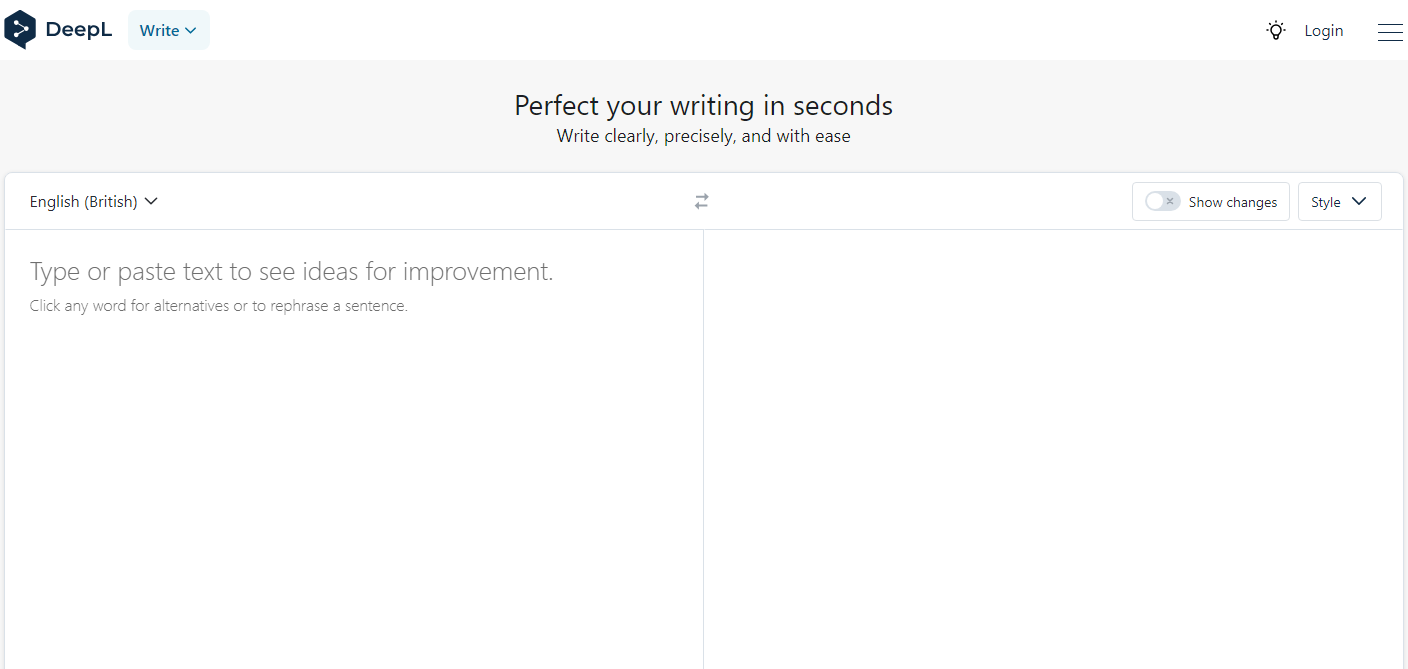
Übersicht des Parsers
Ein schneller, multithread-fähiger Texteditor über den Deepl-Dienst mit bis zu 1600 Anfragen pro Minute. Dieser Parser ermöglicht die Bearbeitung beliebiger Textmengen im automatischen Modus. Der Parser erkennt automatisch die Quellsprache des Inhalts. Deepl Write ist in der Lage, kolossale Textmengen zu verarbeiten, ohne dabei viele Ressourcen zu verbrauchen.
Gesammelte Daten
- Bearbeiteter Text
- Sprache des Quelltextes
Funktionen
- Auswahl der Bearbeitungssprache
- Automatische Spracherkennung
Anwendungsfälle
- Textbearbeitung
- Text-Uniqueisierung
Anfragen
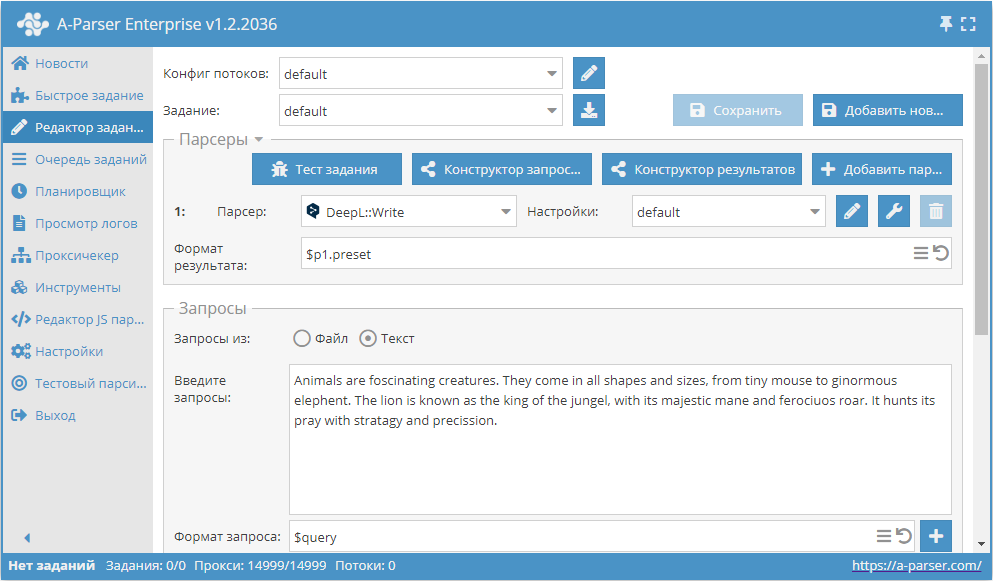
Als Anfragen muss ein beliebiger Text zur Bearbeitung angegeben werden, zum Beispiel:
Animals are foscinating creatures. They come in all shapes and sizes, from tiny mouse to ginormous elephent. The lion is known as the king of the jungel, with its majestic mane and ferociuos roar. It hunts its pray with stratagy and precission.
Beispiele für die Ergebnisausgabe
A-Parser unterstützt eine flexible Formatierung der Ergebnisse dank der integrierten Template-Engine Template Toolkit, was die Ausgabe der Ergebnisse in beliebiger Form sowie in strukturierter Form, wie CSV oder JSON, ermöglicht.
Standardausgabe
Ergebnisformat:
$corrected\n
Beispielergebnis:
Animals are fascinating creatures. They come in all shapes and sizes, from the tiny mouse to the gigantic elephant. The lion is known as the king of the jungle, with his majestic mane and ferocious roar. Er jagt seine Beute mit Strategie und Präzision.
Ausgabe der erkannten Sprache und des bearbeiteten Textes in eine CSV-Tabelle
Ergebnisformat:
[% tools.CSVline(detected, corrected) %]
Beispielergebnis:
"Animals are fascinating creatures. They come in all shapes and sizes, from the tiny mouse to the gigantic elephant. The lion is known as the king of the jungle, with his majestic mane and ferocious roar. Er jagt seine Beute mit Strategie und Präzision."
Speichern im SQL-Format
Ergebnisformat:
[% "INSERT INTO text VALUES('" _ query _ "', '"; detected _ "', '"; corrected _ "')\n"; %]
Beispielergebnis:
INSERT INTO text VALUES('Animals are fascinating creatures. They come in all shapes and sizes, from the tiny mouse to the gigantic elephant. The lion is known as the king of the jungle, with its majestic mane and ferocious roar. It hunts its prey with strategy and precision.', 'EN', 'Animals are fascinating creatures. They come in all shapes and sizes, from the tiny mouse to the gigantic elephant. The lion is known as the king of the jungle, with its majestic mane and ferocious roar. It hunts its prey with strategy and precision.')
Ergebnis-Dump in JSON
Allgemeines Ausgabeformat:
[% IF notFirst;
  ",\n";
ELSE;
  notFirst = 1;
END;

obj = {};
obj.query = query;
obj.detected = p1.detected;
obj.corrected = p1.corrected;

obj.json %]
Anfangstext:
[
Endtext:
]
Beispielergebnis:
[{"corrected":"Animals are fascinating creatures. They come in all shapes and sizes, from the tiny mouse to the gigantic elephant. The lion is known as the king of the jungle, with its majestic mane and ferocious roar. It hunts its prey with strategy and precision.","query":"Animals are fascinating creatures. They come in all shapes and sizes, from the tiny mouse to the gigantic elephant. The lion is known as the king of the jungle, with its majestic mane and ferocious roar. It hunts its prey with strategy and precision.","detected":"EN"}]
Damit die Optionen "Prepend text" und "Append text" im Task-Editor verfügbar sind, muss "More options" aktiviert werden.
Mögliche Einstellungen
| Parameter | Standardwert | Beschreibung |
|---|---|---|
| Language | English (British) | Bearbeitungssprache (in einigen Fällen wird der Text in die angegebene Sprache übersetzt) |
| Writing style | Schreibstil | |
| Text style | Textstil | |
| Only corrections | ☐ | Nur Korrektur |