SE::Google::Cache - Checking for pages in Google cache
Scraper overview
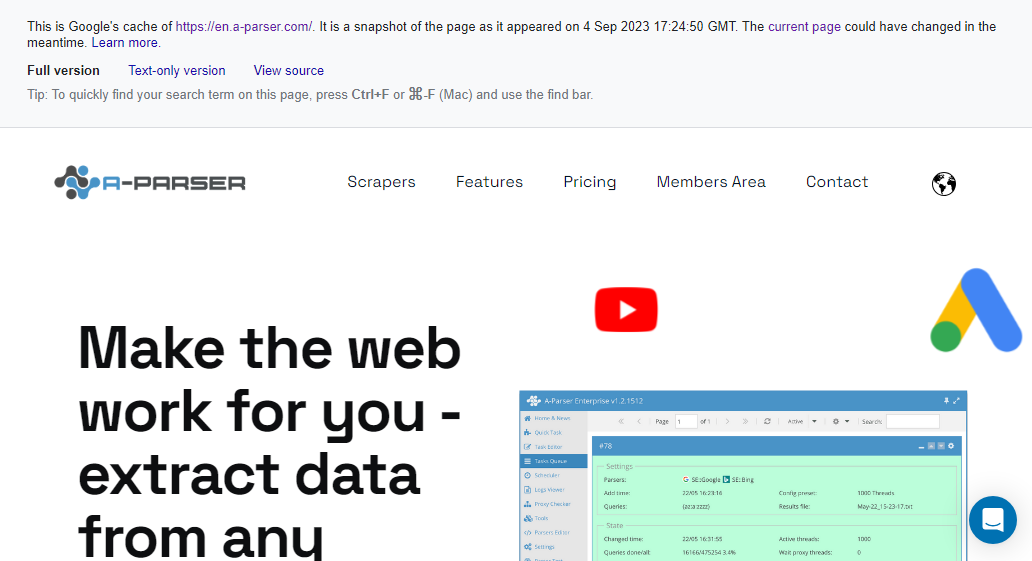
The Google Cache scraper checks for the presence of a page in the Google cache.
Results can be saved in any format and structure you need, thanks to the built-in powerful Template Toolkit which allows applying additional logic to results and outputting data in various formats, including JSON, SQL, and CSV.
Collected data
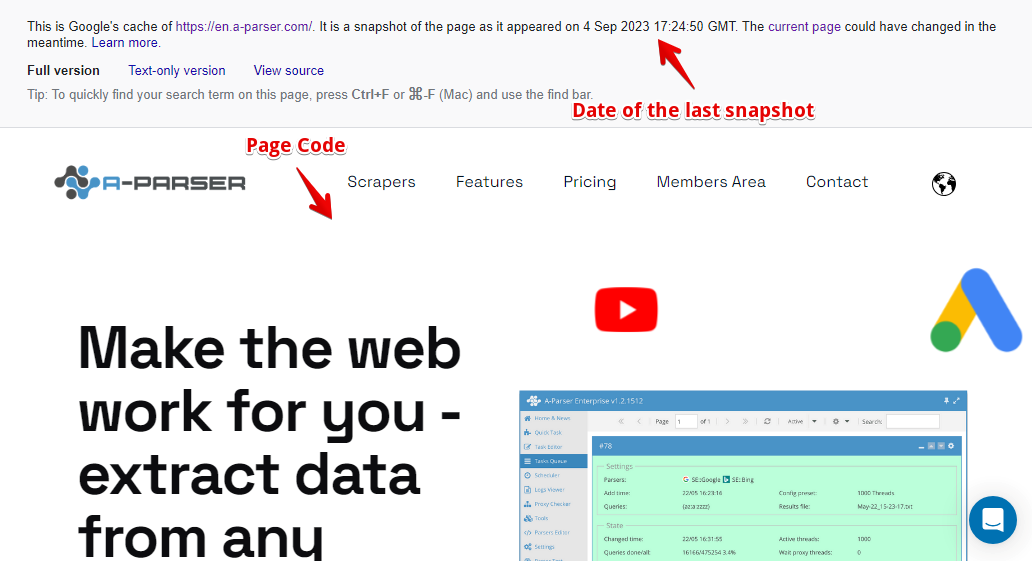
- Page indexing date in the cache
- Page indexing date in Unix format
- Presence of the page in the cache
- Page data without the google-toolbar
Use cases
- Determining the presence of a page in the Google cache
- Getting the date of the last Google snapshot
- Getting the date of the last Google snapshot in Unix format
- Getting the content of a page that is in the cache
Queries
Specify the URL of the page as a query, for example:
https://a-parser.com
https://lenta.ru/
Output results examples
Default output
Result format:
$query: $exists - $date\n
Example result showing the domain, presence in the cache (1 or 0), and caching date:
https://lenta.ru/: 1 - 25 Dec 2020 10:44:05 GMT
Output in CSV table
Result format:
[% tools.CSVline(query, exists, date, timestamp) %]
Example result:
https://a-parser.com/wiki/index/,1," 18 Mar 2021 20:05:44 GMT",1616097944
Possible settings
| Parameter | Default value | Description |
|---|---|---|
| Use sessions | ☑ | Saves good sessions which allows scraping even faster, receiving fewer errors |
| Util::ReCaptcha2 preset | default | Determines whether to use  Util::ReCaptcha2 to bypass reCaptchas Util::ReCaptcha2 to bypass reCaptchas |
| Remove toolbar | ☑ | Specifies whether to remove the toolbar from the page |