 IP::Geo - IP/domain geolocation
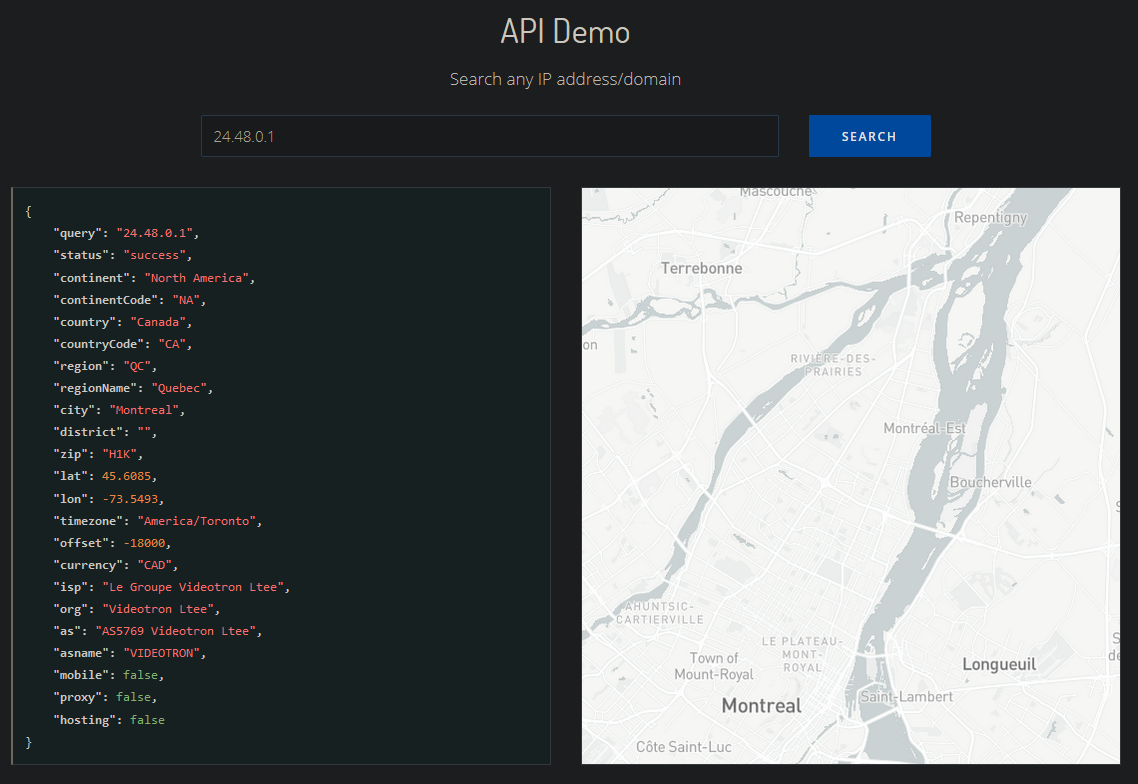
Overview of the scraper
 IP::Geo – accurate data about IP addresses/domains
The A-Parser functionality allows you to save scraping settings for the IP::Geo scraper for future use (presets), set scraping schedules, and much more.
Results can be saved in any format and structure you need, thanks to the powerful built-in Template Toolkit which allows applying additional logic to results and outputting data in various formats, including JSON, SQL, and CSV.
Collected data
Data is collected from the ip-api.com service
- Country.
- Country code.
- Region.
- Region name.
- City.
- ZIP code.
- Latitude.
- Longitude.
- Timezone.
- ISP (Internet Service Provider).
- Organization (ORG).
- Autonomous System (AS).
- Request (the IP or domain being checked).
Use cases
- Determining IP location
Queries
You should specify a list of IP addresses or domains as queries, for example:
143.110.183.74
23.12.134.106
104.69.175.97
192.0.66.114
google.com
a-parser.com
youtube.com
Output results examples
A-Parser supports flexible result formatting thanks to the built-in Template Toolkit, which allows it to output results in any form, as well as structured ones like CSV or JSON
Default output
Result format:
$request: $country\n
Example result:
216.58.214.14: United Kingdom
104.69.175.97: Singapore
192.0.66.114: United States
172.217.23.206: Czechia
104.26.7.13: Canada
143.110.183.74: India
23.12.134.106: Italy
Output in CSV table
Result format:
[% tools.CSVline(request, country) %]
Example result:
172.217.168.206,"United States"
192.0.66.114,"United States"
142.250.187.206,"United Kingdom"
143.110.183.74,India
104.26.7.13,Canada
23.12.134.106,Italy
104.69.175.97,Singapore
Dump results to JSON
Result format:
[%
obj = {};

    obj.query = query;
    obj.country = country;
    obj.region = region;
    obj.city = city;
    obj.loc = loc;
    obj.postal = postal;

obj.json _ ','
%]
Initial text:
[
End text:
]
Example result:
{"country":"The Netherlands","request":"142.250.179.206"},{"country":"Singapore","request":"104.69.175.97"},{"country":"Canada","request":"2606:4700:20::681a:70d"},{"country":"The Netherlands","request":"142.251.36.46"},{"country":"Italy","request":"23.12.134.106"},{"country":"India","request":"143.110.183.74"},{"country":"United States","request":"192.0.66.114"},
To make the "Prepend text" and "Append text" options available in the Task Editor, you need to activate "More options".
Possible settings
| Parameter | Default value | Description |
|---|---|---|
| Use proxy IP as query | ☐ | Use proxy IP as query |