 Social::Instagram::Geo - Instagram post scraper for a specified location
Scraper overview
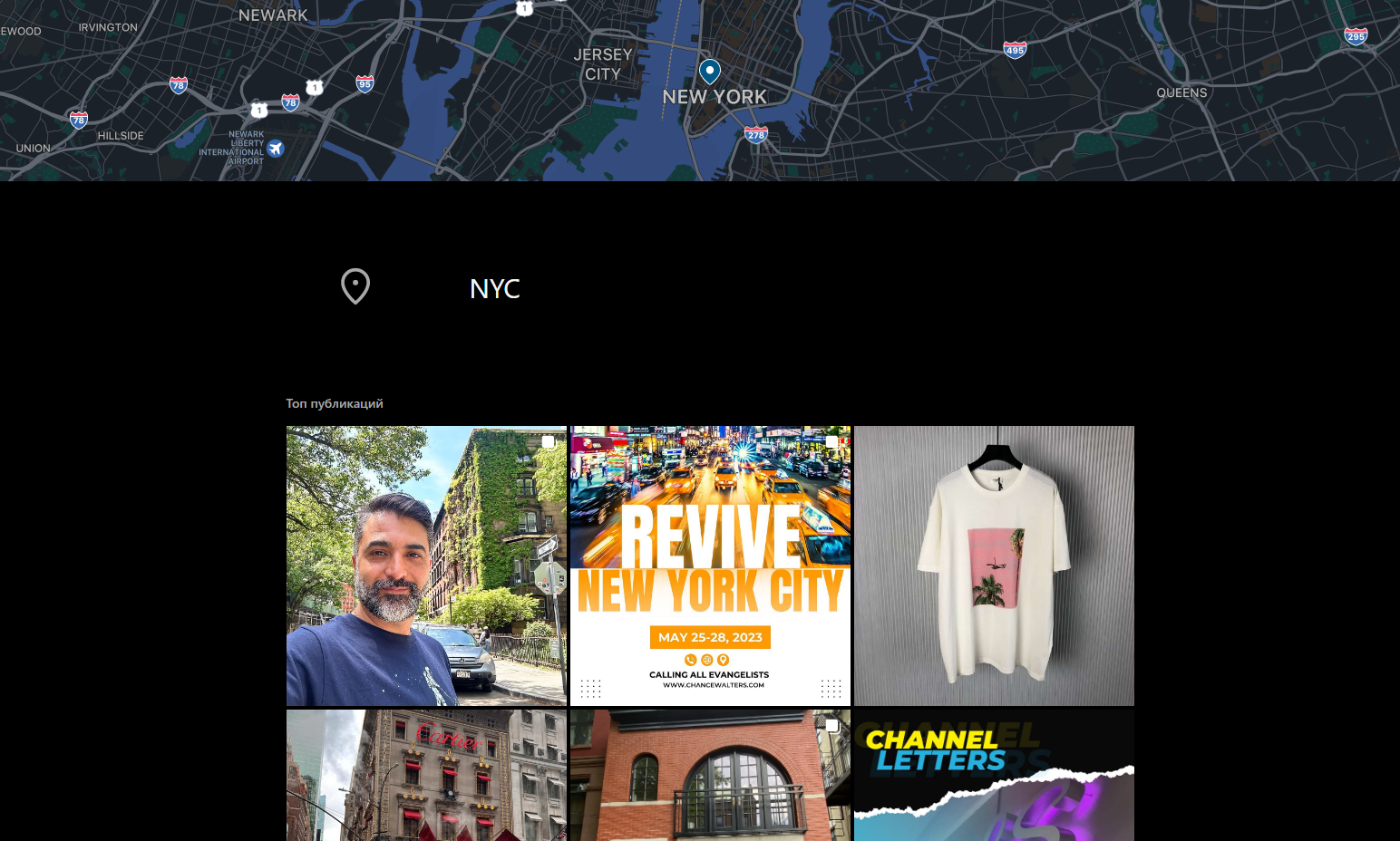
 Social::Instagram::Geo – scrapes Instagram posts in a specified location. It allows for organizing mass data scraping from user posts. Collected data includes links, coordinates, phone numbers, geolocation names, etc. The full list of collected data can be found in the corresponding section.
A-Parser functionality allows you to save Social::Instagram::Geo scraper settings for future use (presets), set up scraping schedules, and much more.
Saving results is possible in any format and structure you need, thanks to the built-in powerful Template Toolkit which allows applying additional logic to results and outputting data in various formats, including JSON, SQL, and CSV.
The scraper uses data from an authorized account. To run the scraper, you must specify a value for the cookie option. Similar to the scraper Social::Instagram::Profile.
Collected data
- Location ID
- Geolocation name
- Phone
- Website link
- Category
- Coordinates
- Address
- City
- Phone
- Zip code
- Array of posts
- Post type
- Link to post
- Text
- Publication date
- Number of comments
- Number of likes
- Icon link
- Height and width
Use cases
- Collecting posts by geolocation
Queries
You must specify a link to the geolocation as queries, for example:
https://www.instagram.com/explore/locations/105682735212415/NYC/
https://www.instagram.com/explore/locations/212898659/kyiv-ukraine/
Output results examples
A-Parser supports flexible results formatting thanks to the built-in Template Toolkit, which allows it to output results in any form, as well as structured, such as CSV or JSON
Default output
Result format:
$query: $name\n$posts.format('$link\n')
Result example:
https://www.instagram.com/explore/locations/105682735212415/NYC/: NYC
https://www.instagram.com/p/CsGvZ-JuFFp/
https://www.instagram.com/p/CsEJfGoOexN/
https://www.instagram.com/p/CsG2dg0LLpT/
https://www.instagram.com/p/CsB426FsFbw/
https://www.instagram.com/p/Cr94CYAuann/
https://www.instagram.com/p/CsFaRsYNsJx/
https://www.instagram.com/p/CsEVuMJoTRs/
https://www.instagram.com/p/CsEeR40vmV4/
https://www.instagram.com/p/CsETicON20r/
https://www.instagram.com/p/CsDVVGEou9q/
https://www.instagram.com/p/Cr_BUIsO7oe/
https://www.instagram.com/p/CsEjjPUr5Pf/
https://www.instagram.com/p/CsA-wtXsENn/
https://www.instagram.com/p/CsD1EvfI2q4/
https://www.instagram.com/p/CsEMt7ANftu/
https://www.instagram.com/p/CsEU3zErxa0/
https://www.instagram.com/p/CsE06QWInBR/
https://www.instagram.com/p/CsEfqP6L4XS/
https://www.instagram.com/p/CsERmBExTT_/
https://www.instagram.com/p/CsFk2u9qQqI/
https://www.instagram.com/p/CsGNmE_u00b/
Result example:
https://www.instagram.com/p/CsEJfGoOexN/
https://www.instagram.com/p/CsGvZ-JuFFp/
https://www.instagram.com/p/CsG2dg0LLpT/
https://www.instagram.com/p/CsB426FsFbw/
https://www.instagram.com/p/CsFaRsYNsJx/
https://www.instagram.com/p/Cr94CYAuann/
https://www.instagram.com/p/CsEVuMJoTRs/
https://www.instagram.com/p/CsEMt7ANftu/
https://www.instagram.com/p/CsEeR40vmV4/
https://www.instagram.com/p/CsETicON20r/
https://www.instagram.com/p/CsDorQsrsv0/
https://www.instagram.com/p/CsGNmE_u00b/
https://www.instagram.com/p/CsEjjPUr5Pf/
https://www.instagram.com/p/CsDVVGEou9q/
https://www.instagram.com/p/CsD1EvfI2q4/
https://www.instagram.com/p/Cr_BUIsO7oe/
https://www.instagram.com/p/CsEB_rKuuG2/
https://www.instagram.com/p/CsETXjsPu_s/
https://www.instagram.com/p/CsERBkMvLyq/
https://www.instagram.com/p/CsA-wtXsENn/
https://www.instagram.com/p/CsE06QWInBR/
Possible settings
| Parameter | Default value | Description |
|---|---|---|
| cookie | You must specify Cookies beforehand | |
| x-csrftoken | Ability to specify x-csrftoken (if necessary) | |
| x-ig-app-id | 936619743392459 | Ability to specify x-ig-app-id (if necessary) |
| Posts pages count | 1 | Number of pages with posts |
| Type | Ranked/Recent | Option allows choosing output type "Top" or "Recent" |